Installation
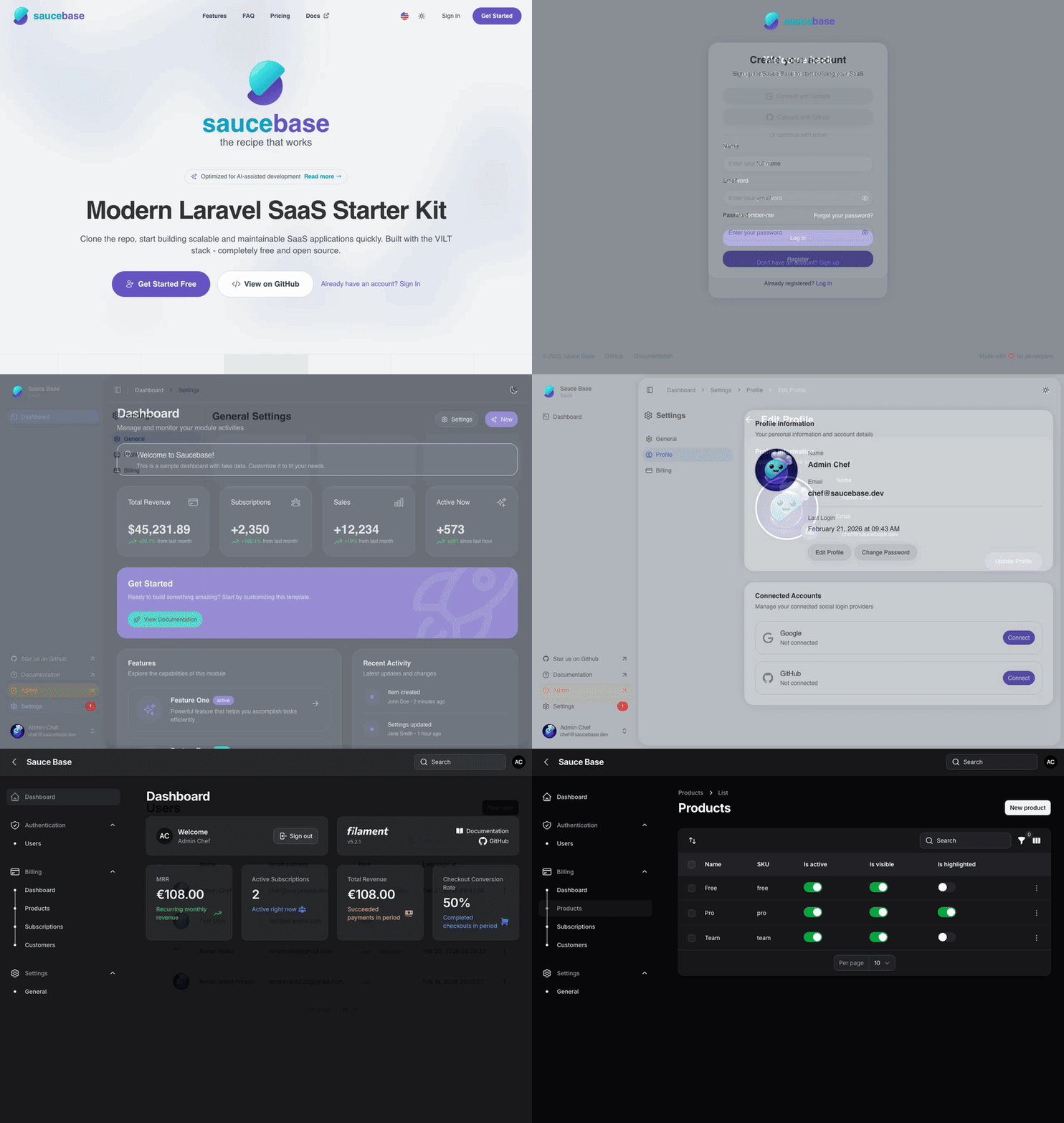
Get Saucebase running with your preferred development environment. The artisan installer is environment-agnostic — Docker, Herd, Sail, and native PHP are all first-class paths.
Prerequisites
| Requirement | Docker | Herd | Sail | Native |
|---|---|---|---|---|
| Docker Desktop 20+ | ✅ required | ❌ | ✅ required | ❌ |
| PHP 8.4+ | in container | via Herd | via container | ✅ required |
| Composer | in container | ✅ required | via container | ✅ required |
| Node.js 22+ | ✅ required (host) | ✅ required | ✅ required | ✅ required |
Quick Start
Docker
git clone https://github.com/sauce-base/saucebase.git my-app
cd my-app
bash bin/setup-env
bin/setup-env is a Docker-specific bootstrapper. It starts containers, installs PHP dependencies
inside the container, runs php artisan saucebase:install --all-modules, and builds frontend assets.
Visit https://localhost when it completes (SSL via mkcert, optional).
Laravel Herd
git clone https://github.com/sauce-base/saucebase.git my-app
cd my-app
composer install
cp .env.example .env
# Set APP_URL to your Herd site URL (e.g. http://my-app.test) in .env
# Configure DB_* credentials in .env
php artisan saucebase:install
npm install && npm run dev
Laravel Sail
git clone https://github.com/sauce-base/saucebase.git my-app
cd my-app
cp .env.example .env
# Configure .env for Sail (DB_HOST=mysql, REDIS_HOST=redis, etc.)
sail up -d
sail composer install
sail artisan saucebase:install
npm install && npm run dev
Native PHP
git clone https://github.com/sauce-base/saucebase.git my-app
cd my-app
composer install
cp .env.example .env
# Configure APP_URL, DB_*, REDIS_* in .env
php artisan saucebase:install
npm install && npm run dev
The installer no longer overwrites APP_URL. Set it to your local URL before running the installer:
Herd → http://my-app.test, native → http://localhost:8000, Docker → https://localhost.
Environment Variables
Before running the installer, configure these in .env:
| Variable | Description |
|---|---|
APP_URL | Full URL of your local site — must be set before install |
APP_HOST | Hostname portion (e.g. localhost, my-app.test) |
APP_SLUG | Project slug used for storage/cache keys |
DB_* | Standard Laravel database connection settings |
The installer copies .env.example → .env if .env is missing, but won't overwrite values you've
already set.
Installer Options
Run directly with Artisan (all environments):
php artisan saucebase:install [options]
| Flag | Description |
|---|---|
| (none) | Safe default: migrate --seed, interactive module selection |
--fresh | Runs migrate:fresh --seed — drops all tables first |
--all-modules | Enable and migrate all modules in modules/ without prompting |
--modules=Auth,Settings | Enable specific modules only |
--force | Skip confirmations |
--no-interaction | Non-interactive (selects all modules automatically) |
Examples
# Interactive install — prompts for module selection
php artisan saucebase:install

# Fully automated — enable everything, no prompts
php artisan saucebase:install --all-modules --no-interaction

# Fresh database reset + specific modules
php artisan saucebase:install --fresh --modules=Auth,Settings

# CI/CD — auto-detected, runs minimal setup
php artisan saucebase:install --no-interaction
Module Discovery
The installer auto-discovers all modules present in the modules/ directory. In interactive mode
it presents a multi-select prompt. Pass --all-modules or --modules= to skip the prompt.
# See available modules
php artisan module:list
Docker Setup (bin/setup-env)
bin/setup-env is a Docker-only bootstrapper — not a universal installer. It:
- Starts
docker compose up -d --wait - Installs Composer dependencies inside the container
- Runs
php artisan saucebase:install --all-modulesinside the container - Installs Node.js dependencies and builds assets on the host
Use it for Docker environments. For Herd/Sail/native, run php artisan saucebase:install directly.
CI/CD Mode
The installer auto-detects CI environments (CI, GITHUB_ACTIONS, GITLAB_CI, TRAVIS,
CIRCLECI env vars) and runs minimal setup — verifies .env and app key, then exits cleanly.
php artisan saucebase:install
No special flags needed; CI detection is automatic.
Default Credentials
After enabling the Auth module:
- Email:
chef@saucebase.dev - Password:
secretsauce
Manual Installation (Docker step-by-step)
For Docker users who want full control:
1. Clone
git clone https://github.com/sauce-base/saucebase.git my-app
cd my-app
2. Generate SSL certificates (optional)
mkcert -install
mkdir -p docker/ssl && cd docker/ssl
mkcert -key-file app.key.pem -cert-file app.pem "*.localhost" localhost 127.0.0.1 ::1
cd ../..
3. Start Docker services
docker compose up -d --wait
| Service | Purpose | Ports |
|---|---|---|
| nginx | Web server | 80, 443 |
| app | PHP-FPM + CLI | — |
| mysql | Database | 3306 |
| redis | Cache/Queue/Session | 6379 |
| mailpit | Email testing | 8025 (Web UI) |
4. Install dependencies + run installer
docker compose exec app composer install
docker compose exec -T app php artisan saucebase:install --all-modules
5. Build frontend
npm install && npm run dev   # dev server with HMR
# or
npm install && npm run build  # production build
6. Verify
docker compose exec app php artisan migrate:status
curl -sk https://localhost/up
Next Steps
- Configure Environment — environment variables reference
- Directory Structure — codebase layout
- Modules — enable/disable/create modules
- Development Commands — common dev tasks
Need help? See the Troubleshooting guide or open an issue.